iPhone Locker is designed for everyday moments when your iPhone is already unlocked, but sensitive apps, private content, and system entries still need clearer boundaries. It brings app locking, a private vault, system controls, and security settings into one practical workflow for lending your phone, sharing a family device, child-use moments, and mixed work-personal phones.
App Locking and Groups
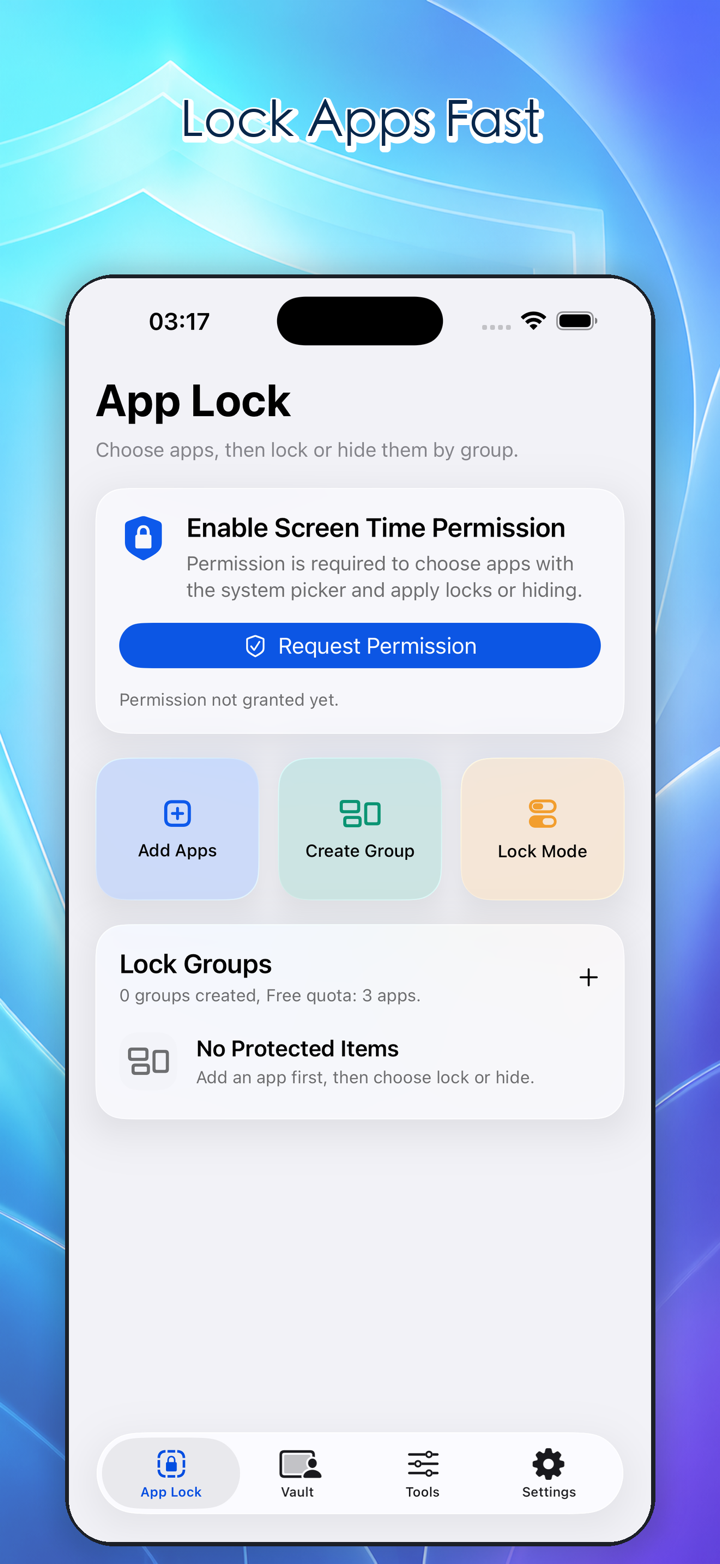
App locking helps protect chat apps, photos, social apps, work tools, files, cloud drives, and email. You can organize apps into groups that match real situations, such as “before lending my phone,” “work data,” “child-friendly apps,” or “sensitive apps.”
Inside a group, you can add apps, adjust the group name, and manage the lock mode based on the current situation. This is useful when another person only needs your phone for photos, scanning, navigation, or a quick task. Instead of checking apps one by one, you can prepare a clear boundary for the whole group.
Private Vault
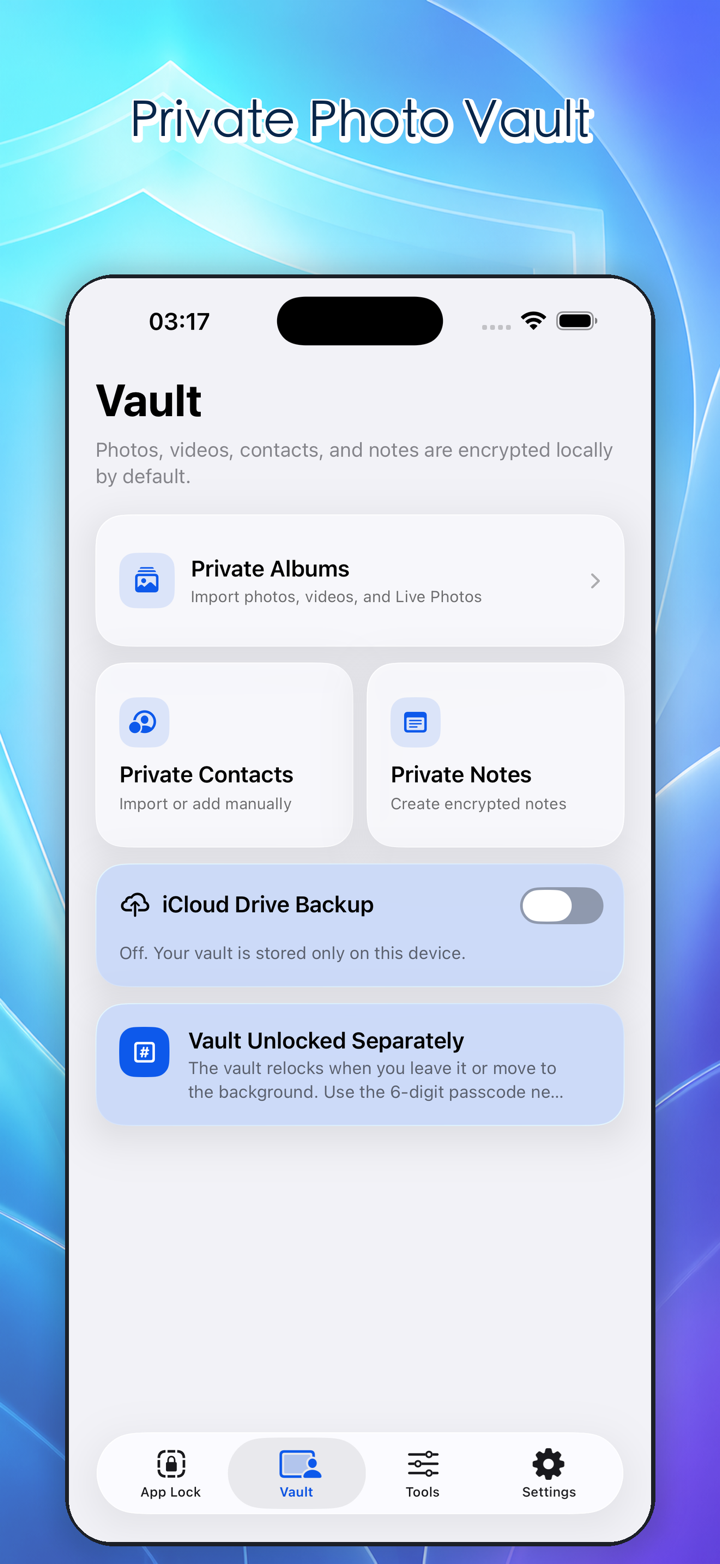
The private vault keeps sensitive content away from the everyday photo library, contacts, and notes experience. Photos, videos, contacts, and notes can live in a separate space, reducing the chance that they appear during casual browsing, recent-item previews, thumbnail pickers, or quick searches.
The vault is not meant to make every action harder. It separates everyday content from information that deserves extra confirmation. ID photos, work screenshots, private videos, important contacts, family documents, and personal notes all benefit from a more intentional place.
System Controls
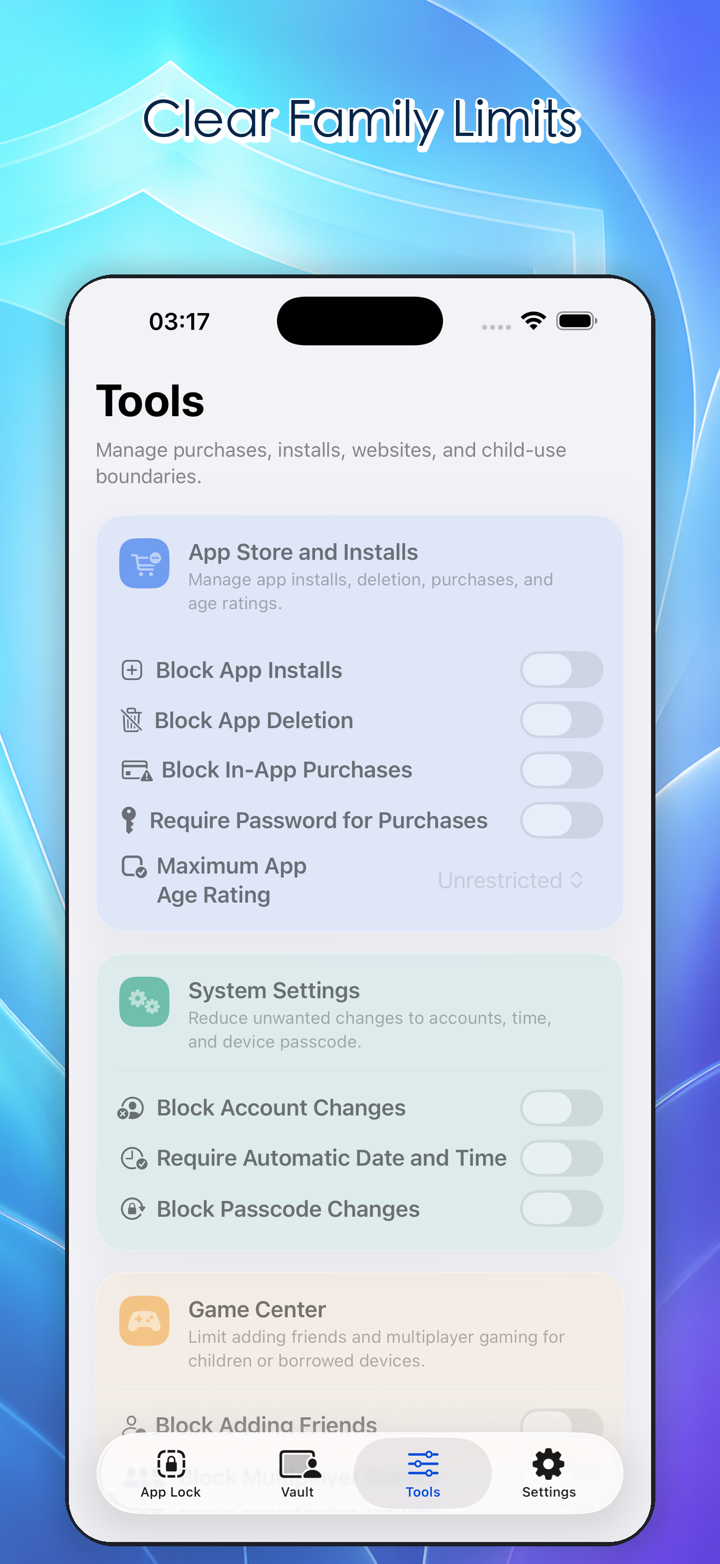
Many phone problems come from accidental changes, not malicious behavior. Deleted apps, unfamiliar downloads, changed account details, or adjusted date and time settings can all create friction later. iPhone Locker organizes these high-impact entries into a clearer set of controls.
You can manage app installation, app deletion, App Store related actions, in-app purchase flows, account changes, and date or time changes. These controls are especially useful when a child, family member, older relative, or coworker uses your phone for a short time.
Content, Games, and Child-Use Boundaries
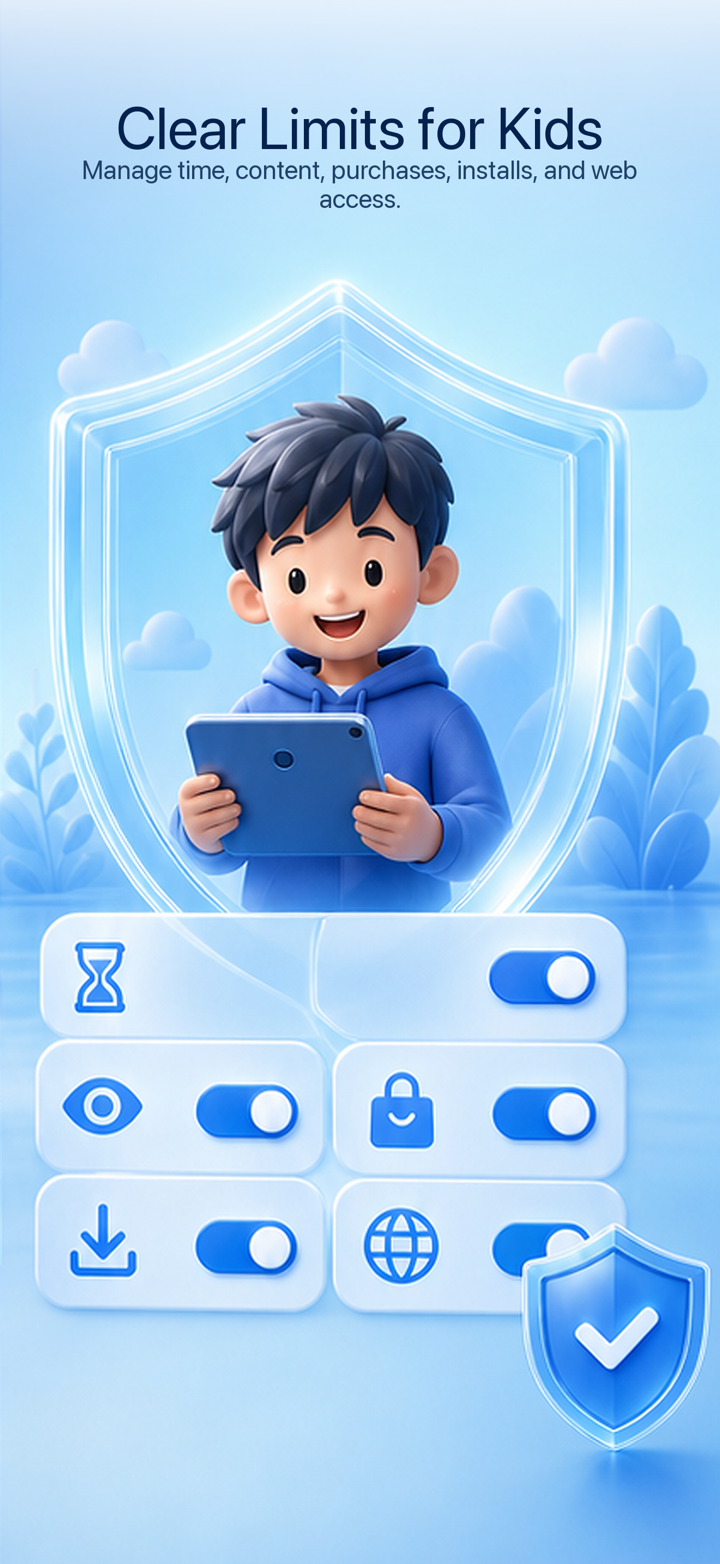
When a child uses an iPhone, the risk is rarely limited to one app. Multiplayer games, adding friends, age-rated content, Siri, web access, and media categories can all affect the experience during a short session.
iPhone Locker keeps Game Center, child-related content, Siri access, and content controls in a practical tools area. Parents can decide what stays available and what should be tightened based on age, purpose, and situation. Good boundaries should make the phone safer without making the allowed task harder.
Passcode, Face ID, and Lock-on-Exit
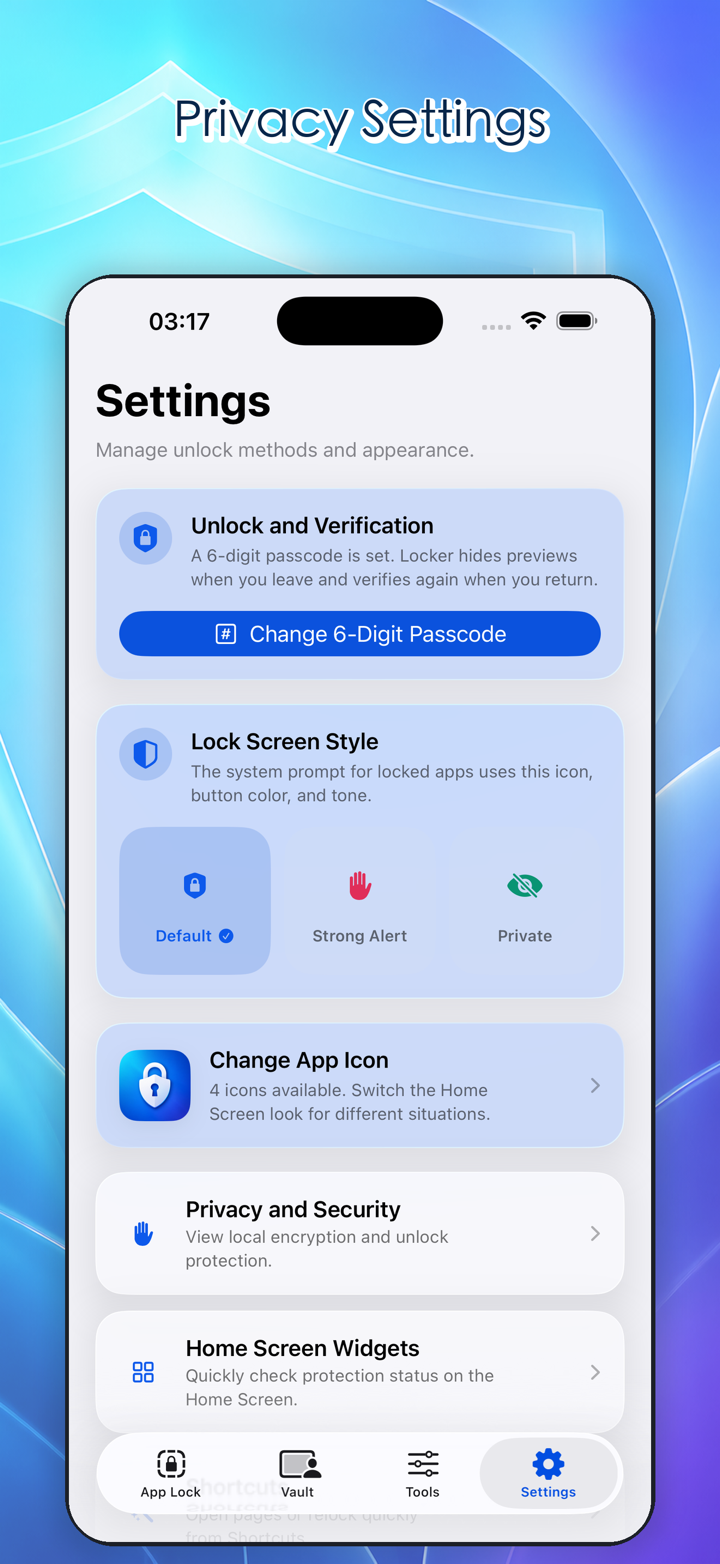
The iPhone lock screen protects the device before someone gets in. After the phone is unlocked, sensitive apps and the private vault still need their own boundary. iPhone Locker supports passcode and Face ID protection for important areas, and can return key apps to a locked state after exit.
This lets everyday use stay smooth while lending, family sharing, or work-personal switching gets stronger protection. For users who keep private life and work on the same iPhone, this second layer helps the phone match the moment.
Everyday Scenarios
iPhone Locker is useful whenever your phone briefly leaves your hand. A friend wants to view a photo, a coworker needs to scan a code, a family member borrows your phone, a child watches a video, an older relative uses a shared device, or work and personal content live side by side.
The goal is not to make iPhone harder to use. The goal is to make important boundaries easier to set before the risk appears.